WooCommerce Order Statuses: When Is an Order Really Paid? (2026)
A WooCommerce order is not the same as a successful payment. A customer can submit checkout details, receive an order number and still leave without paying. For store owners, confusing these events makes revenue reports, cart recovery campaigns and profit calculations unreliable. Understanding WooCommerce order statuses is the first step toward a clean reporting workflow.
This guide explains the built-in statuses, how to distinguish payment from fulfillment, why refunds need separate accounting, and which checks help when an order remains unpaid. It is intended for practical store operations rather than a promise that one status can replace accounting records.
WooCommerce order statuses at a glance
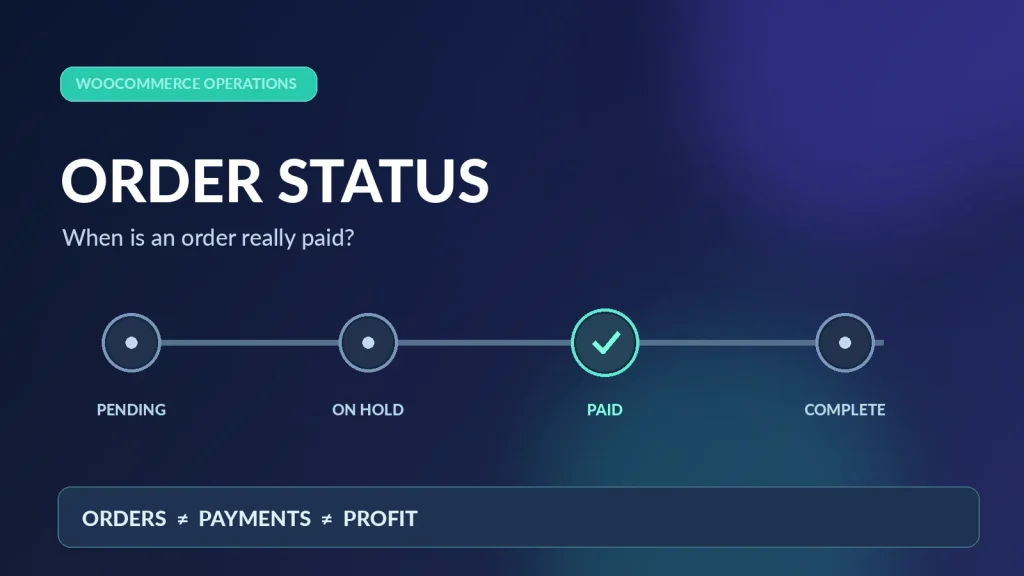
WooCommerce uses status labels to show an order’s position in its lifecycle. These are the common core statuses; payment gateways and extensions can introduce more.
| Order status | What it usually means | Reporting action |
|---|---|---|
| Pending payment | Order received, but the payment has not been made or confirmed. | Do not treat it as a settled payment. |
| On hold | Payment needs confirmation, often for bank transfer or delayed payment methods. | Verify the bank/gateway before marking it paid. |
| Processing | Normally paid, with fulfillment still outstanding. | Check payment details; track fulfillment separately. |
| Completed | Order fulfillment is complete. | Include it under your confirmed-order policy, with adjustments for refunds. |
| Failed | Payment was unsuccessful or rejected. | Exclude from successful-payment totals. |
| Cancelled | Order was cancelled. | Exclude unless there is an exceptional payment/refund workflow to reconcile. |
| Refunded | Order value has been marked fully refunded. | Deduct refunds; verify whether funds were actually returned. |
Important exception: Cash on Delivery and custom gateways can produce different transitions. A Processing label by itself is not proof that money reached your bank account. Check the payment method, transaction ID and order notes.
Order placed, payment received and order fulfilled are three different events
Consider a customer who orders a product for €120. When checkout creates the order, the store has an order record, but no automatic right to count €120 as collected cash. A gateway may then capture the payment and WooCommerce typically moves the order to Processing. After shipment, staff mark the order Completed.
For accurate dashboards, keep the distinction clear:
- Order volume: how many orders were submitted, even if some later fail.
- Confirmed/paid sales: orders with verified payments, according to your store’s policy and gateway records.
- Fulfilled orders: items shipped or services delivered.
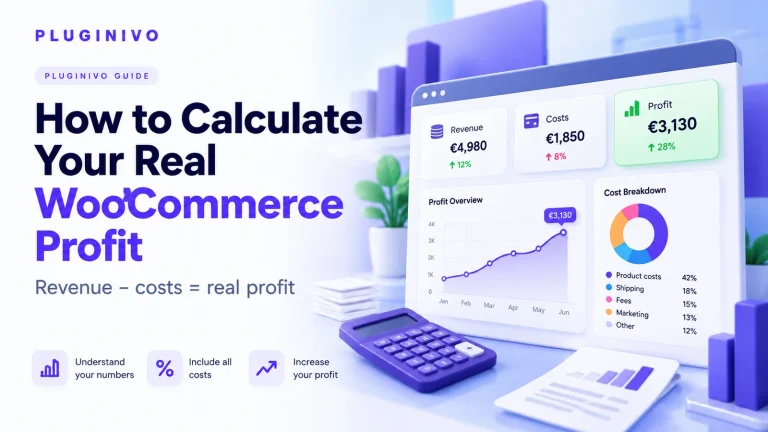
- Net sales and contribution: confirmed order value adjusted for discounts, refunds, taxes as appropriate, product costs and transaction expenses.
If an unpaid pending order is included in both sales and a cart recovery report, the store can overstate performance twice. For a complementary explanation of measurement denominators, see the WooCommerce cart recovery metrics guide.
Example: gross orders are not necessarily earned profit
Suppose a store records ten orders, each worth €100, during a day. This is an illustrative scenario, not a performance benchmark:
| Outcome | Orders | Value |
|---|---|---|
| Verified paid orders | 7 | €700 |
| Still pending payment | 2 | €200 |
| Failed payment | 1 | €100 |
| Total submitted order value | 10 | €1,000 |
The €1,000 figure describes submitted order value, not money collected. Even the €700 in paid orders is not €700 of profit. Assume these paid orders incur €300 in product costs, €50 shipping subsidies and €25 in payment fees: the illustrative contribution before other operating costs is €325. Actual margin treatment depends on your accounting basis and whether tax is included in the displayed amounts.
Our guide to cost of goods sold and margins in WooCommerce explains why a product’s selling price is only the start of the calculation. For payment charges, read how gateway fees affect order profit.
Why On hold needs a manual check
An On hold order is often waiting for a bank transfer or delayed confirmation. Do not move it to Processing merely to make the dashboard look tidy. Open the order details, compare the amount and reference with your payment provider or bank, then record the result. For delayed gateways, review the provider’s notification settings and order notes before intervening.
WooCommerce’s own order statuses documentation describes these standard states and their expected transitions.
How status handling affects abandoned cart recovery
Cart recovery automation should distinguish a shopper who abandoned checkout from one who paid successfully. It should also avoid sending reminders to customers whose order was completed but whose gateway callback arrived late. Ideally, the recovery process checks current order state before sending each reminder and suppresses messages after a verified purchase.
Start with the WooCommerce abandoned cart recovery guide for the overall workflow. If reminders are not arriving, use the abandoned cart email troubleshooting checklist to inspect capture eligibility, schedules and mail delivery.
What happens when an order is refunded?
A refund can be full or partial; the cash impact and product costs are not always symmetric. The status Refunded indicates a fully refunded order in the core workflow, but a manual refund action may update the record without initiating an actual transfer through the payment gateway. Partial refunds may leave the overall order status unchanged.
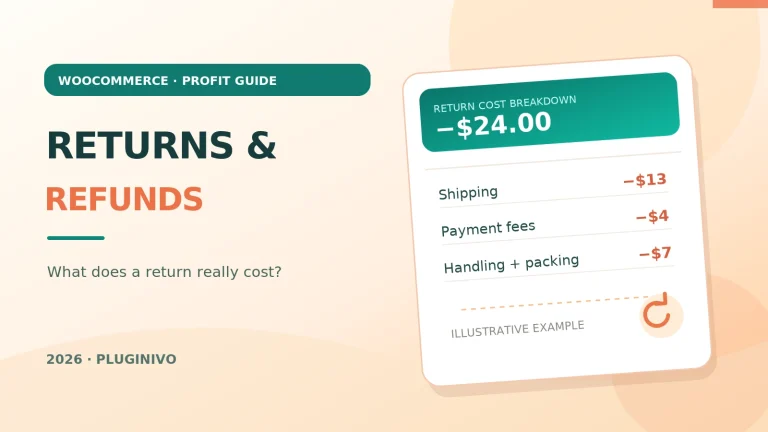
When calculating the real contribution of an order, track the refunded amount, any nonrefundable gateway fees, return shipping, inspection or restocking costs and the value of items you can sell again. The WooCommerce returns and refunds cost guide walks through this calculation in detail.
Practical audit checklist for store owners
- Confirm the store timezone and the reporting period before comparing totals.
- Separate paid orders from pending, failed and cancelled orders.
- For On hold orders, verify the bank transfer or gateway settlement individually.
- Check order notes and transaction IDs when statuses appear inconsistent.
- Review COD and custom payment gateways separately from card payments.
- Subtract discounts, applicable refunds, product costs, fulfillment and gateway fees before reporting profit.
- Match recovered carts to paid orders to avoid double counting attribution.
- Periodically reconcile WooCommerce figures with gateway payouts and bookkeeping.
Frequently asked questions
Does Processing mean an order is paid?
Usually, for standard online payment flows, yes. It is not universal: Cash on Delivery, offline payment methods, custom gateways and manually changed statuses can behave differently. Verify payment details when the distinction matters.
Does Completed mean the money reached my bank?
Not necessarily. Completed primarily indicates the fulfillment workflow is finished. Settlement and payout schedules belong to the payment provider.
Should Pending payment orders count as revenue?
Do not treat them as confirmed paid sales. Formal revenue recognition also depends on your accounting rules and the delivery or performance obligation; order status is an operational signal, not a substitute for accounting policy.
Can I use order status alone to calculate profit?
No. Status helps identify which orders are relevant, but profit calculations also need product costs, fees, shipping, discounts and refunds.
Next step: measure profit on orders that truly count
Once your order status policy is consistent, your numbers become much easier to trust. Pluginivo Order Profit Calculator PRO is designed to help store owners examine order-level profitability with a clearer view of costs. You can also try the live demo before deciding whether it fits your workflow.