WooCommerce Cost of Goods Sold (COGS): Track Product Costs & Margins (2026)

WooCommerce Cost of Goods Sold (COGS) is the starting point for knowing which products actually contribute to your store’s profit. A growing sales dashboard looks encouraging, but a product with a high selling price can still have a disappointing margin when purchase costs, incoming freight, payment fees and fulfillment are accounted for.
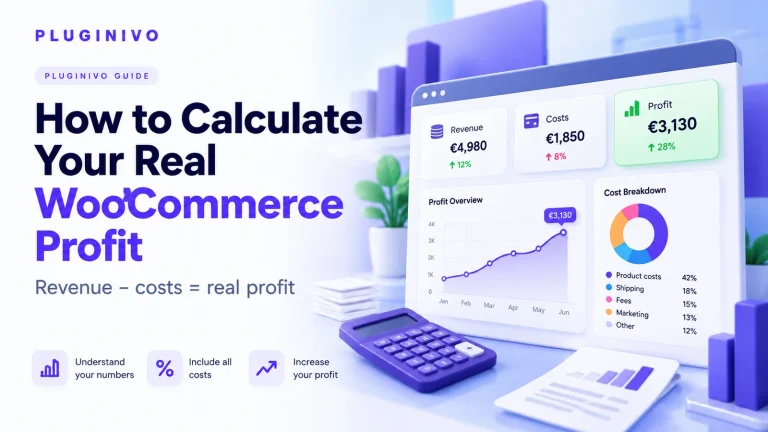
Product cost is only one part of a store margin; also review how to calculate real WooCommerce profit for the bigger picture.
If you want to review costs alongside orders instead of relying on revenue alone, explore Order Profit Calculator PRO for WooCommerce. If you are new to profitability reporting, also read our guide to calculating real WooCommerce profit. This article focuses specifically on calculating and maintaining accurate product cost data.
What does COGS mean in WooCommerce?
Cost of goods sold is the cost of the goods you actually sold during a period. For a store that buys physical products for resale, it typically starts with the purchase cost of those units. Depending on your accounting policy and applicable rules, you may also include directly attributable inbound freight, duties and other costs necessary to bring inventory to its saleable location and condition.
COGS is different from total operating expenses. Office rent, general marketing subscriptions and unrelated administrative wages generally do not form part of an individual product’s inventory cost. Payment processing and outbound shipping matter for order contribution, but are usually tracked separately from product COGS.
Important: Your management dashboard and financial accounts can use different cost conventions. Define your method clearly and ask an accountant about tax, inventory valuation and reporting requirements in your jurisdiction.
COGS formula: the inventory view
For an inventory-based retailer, a standard period-level calculation is:
Imagine opening a month with $8,000 of inventory, adding $4,500 of eligible inventory costs during the month, and finishing with $7,200 in stock. Your illustrative COGS would be $5,300. This formula works for consistent stock valuation, but it does not tell you the margin for one particular SKU unless you track its units and costs.
How to calculate unit COGS for a WooCommerce product
For product-level decisions, calculate the cost of each sellable unit. Use supplier invoices as a starting point, then allocate eligible shared incoming costs consistently.
| Example cost element | Amount per unit |
|---|---|
| Supplier unit price | $38.00 |
| Allocated inbound shipping | $3.50 |
| Import duty / nonrecoverable charges | $1.50 |
| Total unit COGS | $43.00 |
Suppose the product sells for $75, excluding tax, with no discount. Gross profit for one unit is $75 − $43 = $32, and gross margin is 42.7%. All amounts are hypothetical; shipping, fees, advertising and overhead have not yet been deducted.
Margin vs. markup: why the distinction matters
Markup measures profit relative to cost; margin measures profit relative to selling price. In the $43-to-$75 example, markup is ($75 − $43) ÷ $43 = 74.4%, while gross margin is 42.7%. Confusing the two can lead to underpriced promotions.
To price for a target gross margin, use:
Example: $43 ÷ (1 − 0.40) = $71.67 before any other selling expenses.
A 40% gross margin is not a 40% net business margin. It still needs to cover payment fees, packaging, merchant-funded shipping, marketing and overhead.
Setting product costs in WooCommerce: a practical workflow
- Choose one source of truth. Keep supplier invoices, stock imports and cost adjustments consistent. Decide whether costs are entered manually, through an integration or via an order-profit extension.
- Use the right cost for each SKU and variation. Different colors, sizes and bundles may have different buying prices. Avoid copying one parent product cost to every variation without checking it.
- Allocate incoming charges. For mixed shipments, determine whether unit count, weight, value or another justifiable method best represents cost. Record that choice.
- Keep tax treatment consistent. Separate recoverable VAT or sales tax from actual business cost, where appropriate. A tax collected on behalf of authorities is not profit.
- Preserve historical costs. Supplier prices change. A new cost entered today should not silently rewrite the economics of an order shipped six months ago.
- Test an order. Compare a WooCommerce order’s recorded revenue, quantities, cost, shipping, discount and fees against an actual invoice and processor statement.
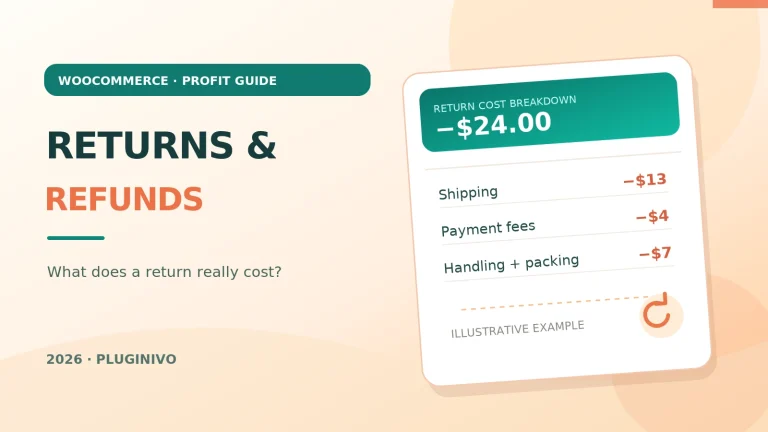
- Review refunds and returns. A partial refund, a returned item and scrapped stock can each change the true outcome of a sale. Set consistent policies and avoid double counting.
WooCommerce installations do not all store product costs in the same place. Core features, extensions, and accounting connectors can have different fields or cost methodologies. Check your active plugin’s documentation and test a product variation before importing thousands of cost values.
From product COGS to actual order contribution
Product margin is useful, but the bottom line for a specific order requires more. Consider this simplified, tax-exclusive order:
| Order item | Example value |
|---|---|
| Revenue after discounts | $150.00 |
| Two products: COGS ($43 × 2) | −$86.00 |
| Payment fees | −$5.00 |
| Shipping paid by the merchant | −$9.00 |
| Packaging | −$2.00 |
| Attributable advertising | −$15.00 |
| Order contribution before overhead | $33.00 |
The order has $64 of gross profit after COGS but only $33 of contribution after the listed direct expenses. Neither number represents final net business profit. The distinction matters when deciding whether a campaign, a free-shipping threshold or a recovery coupon is worth offering.
An order-profit workflow can help you compare these figures more consistently. Pluginivo Order Profit Calculator PRO is built for reviewing WooCommerce order profitability when relevant costs and settings are configured. Verify currently supported fields on its product page and live demo.
Common COGS mistakes that distort WooCommerce reports
Counting the selling price as product cost
The retail price is revenue, not the price you paid to obtain the item. Using it as COGS hides profit entirely.
Ignoring variations and bundle components
A bundle containing different products needs a reliable component-cost policy. A high-cost variation cannot inherit the cost of a cheaper one without distorting your average margin.
Mixing gross prices and tax-exclusive costs
When taxes are recoverable or collected on behalf of government, combining tax-inclusive prices with tax-exclusive expenses produces misleading ratios. Compare like with like.
Updating costs without a historical record
New supplier invoices help future pricing decisions. Historic order profitability requires a defensible record of what units cost when those orders were fulfilled.
Treating recovered revenue as recovered profit
An email campaign may attribute an additional $1,000 in sales without creating $1,000 in value. Check discounts, COGS and fulfillment before judging performance. For recovery automation, compare Abandoned Cart Recovery PRO with your own margins and consent requirements.
Frequently asked questions
Does WooCommerce calculate COGS automatically?
It depends on the active WooCommerce version, installed extensions and configured cost data. Do not assume a sales or revenue report automatically knows supplier prices or historical landed costs.
Are payment processing fees part of COGS?
They are usually treated separately in an order contribution analysis, rather than part of inventory product cost. Confirm accounting classification with your adviser.
Do discounts reduce COGS?
A customer-facing discount normally reduces sales revenue, not the supplier cost of the product already purchased. Supplier discounts may affect inventory acquisition cost depending on how they are accounted for.
What if supplier prices change every month?
Use a consistent inventory valuation and product-cost policy, retain invoices and avoid retroactively overwriting cost assumptions for completed orders. FIFO, weighted average and other methods can produce different results.
Should I use the same cost for every product variation?
Only if that truly reflects what each variation costs. Track separate costs when supplier pricing or landed costs differ materially.
Final takeaway: accurate costs make every other report more useful
Before optimizing coupons, advertising or abandoned cart recovery, make sure you can explain the cost of the products you actually sell. Track unit cost consistently, separate margin from markup and compare order contribution with revenue. Reliable WooCommerce COGS data turns a sales report into a better business decision.