How to Calculate Your Real WooCommerce Profit (Not Just Revenue)
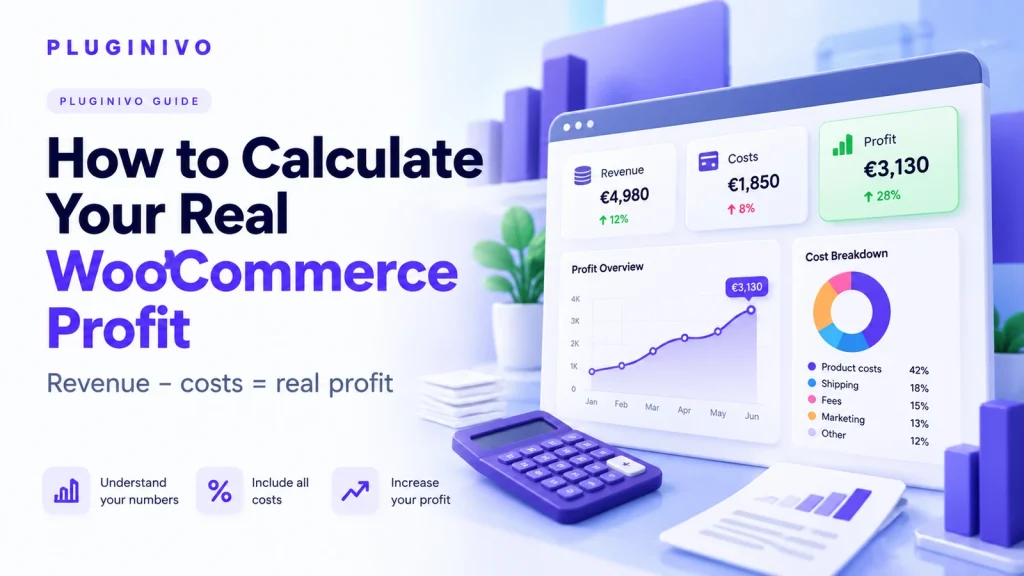
WooCommerce revenue is not the same as WooCommerce profit. A store can process thousands of dollars in orders and still earn far less than expected once product costs, payment fees, shipping, discounts, refunds and advertising are included. If you only watch the sales figure in your dashboard, it is easy to mistake growth for profitability.
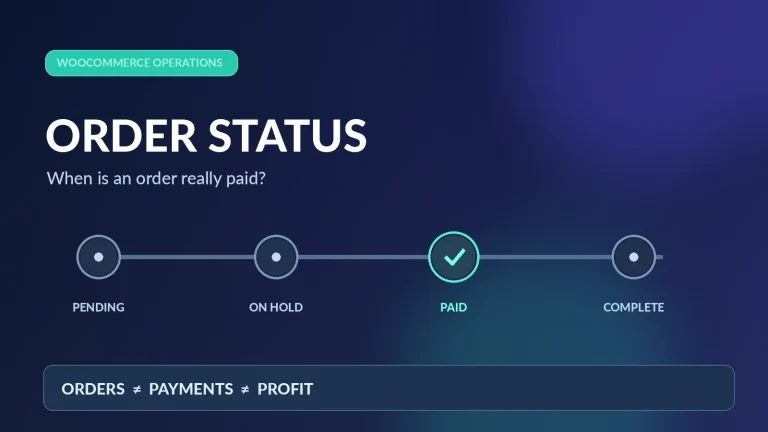
Before comparing margins, check WooCommerce order statuses and payments so unpaid orders are not mistaken for settled sales.
This guide explains how to calculate real WooCommerce profit per order, understand your margins and turn the results into better pricing and marketing decisions. The examples use illustrative figures, not industry benchmarks.
Revenue vs. profit: what is the difference?
Revenue is the amount your business earns from sales before subtracting expenses. Profit is what remains after the relevant expenses have been deducted. Depending on what you include, you may be looking at gross profit, contribution profit or net profit.
- Gross profit: net sales revenue minus the cost of goods sold (COGS).
- Contribution profit: revenue minus costs directly associated with fulfilling and acquiring that order, such as payment processing, packaging and attributable advertising.
- Net business profit: contribution from all orders minus remaining business overhead, such as software subscriptions, salaries and office costs.
These numbers answer different questions. Per-order contribution shows whether individual sales make economic sense. Business-level net profit shows whether the company as a whole is profitable.
The WooCommerce profit formula
For a useful order-level calculation, start with revenue excluding any VAT or sales tax you collect on behalf of the government, then deduct the direct expenses you can reasonably attribute to that order.
Order contribution margin (%) = order contribution profit ÷ net order revenue × 100. The formula is a management tool, not a substitute for accounting or tax advice. Define each cost consistently so you do not count the same expense twice.
Step-by-step example: a €120 order
Imagine a shopper buys an item priced at €120 before tax and uses a €10 discount. The retailer does not charge the customer for delivery. The transaction generates €110 of net sales revenue.
| Order component | Illustrative amount |
|---|---|
| Product sale before discount | €120.00 |
| Discount | −€10.00 |
| Net order revenue | €110.00 |
| Product purchase cost (COGS) | −€52.00 |
| Payment processing fee | −€3.50 |
| Shipping paid by the merchant | −€7.00 |
| Packaging | −€1.50 |
| Attributable marketing cost | −€12.00 |
| Expected returns allowance | −€3.00 |
| Order contribution profit | €31.00 |
| Contribution margin | 28.2% |
This is an example of contribution profit, not final business net profit: rent, staff, software and other overhead still need to be covered. The €3 returns allowance is a hypothetical expected cost; use actual refund and return data when available, and avoid counting both an allowance and the same realized refund.
Seven expenses WooCommerce stores often overlook
1. Product cost and supplier changes
Record the purchase or manufacturing cost of each product, including cost variations. A product that costs €42 today may cost €49 next month. Historical order reporting should not silently rewrite past profit when you edit the current cost of a product.
2. Discounts and promotions
A coupon reduces the amount you earn. A 20% discount does not necessarily reduce profit by 20% — it may remove a much larger percentage of your remaining margin. Compare contribution before and after promotions, including any extra acquisition cost.
3. Payment processing fees
Card and wallet providers may charge a percentage plus a fixed amount, with additional charges in some cases. Base your calculation on your actual processor contract and settlement records; fee structures can vary by country, payment method and currency.
4. Shipping and packaging
Include the part of shipping you actually fund, boxes, labels and packing material. If you charge a separate shipping fee to the customer, reflect that shipping income consistently in order revenue rather than treating the full carrier cost as a loss.
5. Refunds, chargebacks and returns
Returns can reverse revenue while some fees and fulfillment costs remain. Your reporting should account for partial refunds as well as complete ones. Avoid assuming that a refunded sale is still profitable.
6. Advertising and customer acquisition
Paid ads can turn a seemingly healthy gross margin into a weak contribution margin. Where you can attribute acquisition spend to an order, include it. Otherwise, allocate marketing costs consistently at campaign or period level rather than inventing a precise cost for every order.
7. Overhead and subscriptions
Hosting, paid WooCommerce extensions, bookkeeping and salaries may not belong to a single order. They still matter when you calculate overall net business profit. Keep direct order economics and monthly company performance as separate views.
Why the default WooCommerce sales report is not enough
Standard sales data is useful for tracking sales volume, discounts, taxes and order status. It does not automatically know your supplier prices, contractual payment fees or real fulfillment costs. If those values are missing, you cannot infer your actual profit from revenue alone.
A dedicated cost and margin workflow gives you a clearer basis for decisions. For example, Pluginivo Order Profit Calculator PRO is designed to show profit information for WooCommerce orders when the relevant cost settings are configured. Check the product page for the currently supported features and reporting options.
How to calculate monthly store profit
Order contribution and monthly net business profit answer related but different questions. Consider a hypothetical month with €20,000 in tax-exclusive sales revenue and €13,000 in order-related expenses.
| Monthly measure | Amount |
|---|---|
| Net sales revenue | €20,000 |
| Order-related costs | −€13,000 |
| Contribution profit | €7,000 |
| Business overhead | −€4,000 |
| Operating profit (before income tax) | €3,000 |
| Operating margin | 15% |
VAT and sales tax collected for authorities are not yours to keep. Income taxes and owner withdrawals also need separate treatment. Ask your accountant which accounting basis and deductions apply to your business.
How to use profit data to make better decisions
- Find products with high revenue but weak margins. A best-seller is not always a best earner.
- Set smarter discounts. Check whether a coupon still leaves enough contribution to fund operations.
- Review shipping thresholds. Free shipping can raise conversions while reducing profit on small orders.
- Track changes over time. Compare margin before and after supplier price increases, campaigns and shipping adjustments.
- Separate one-off issues from trends. Refund spikes and seasonal marketing spend can distort a short reporting window.
Automating WooCommerce order-profit tracking
A spreadsheet can work for a very small catalog, but manual tracking becomes harder as orders, product cost changes and variations increase. The important part is not automation alone; it is maintaining consistent cost inputs and checking that calculations match real processor and fulfillment records.
For a store that wants profitability information closer to each WooCommerce order, explore Order Profit Calculator PRO for WooCommerce. You can review its live demo and license options before choosing a plan.
Frequently asked questions
Is WooCommerce revenue the same as profit?
No. Revenue measures sales; profit reflects revenue after the costs relevant to your calculation have been deducted.
Should VAT or sales tax count as revenue?
Taxes collected on behalf of a tax authority are generally not part of the store’s earnings. Use a consistent tax-exclusive basis and confirm the treatment with your accountant.
Do I need product costs for every variation?
If variations have different acquisition costs, tracking them separately produces more useful profit estimates.
Can an order be profitable while the business loses money?
Yes. Positive per-order contribution does not guarantee that total contribution covers salaries, rent, software subscriptions and other overhead.
What is a good WooCommerce profit margin?
There is no universal target. Margins depend on industry, business model, product mix, acquisition cost and fulfillment requirements. Compare consistent historical data and your own financial objectives.
Final takeaway
Revenue tells you how much you sold. Real profit tells you whether those sales are worth making. Start by capturing accurate product costs, payment fees and fulfillment expenses; calculate contribution by order; then account for overhead to understand your business-wide performance. Reliable inputs matter more than an attractive chart.